 Live Webcams in Rijeka
Explore live streaming views from Rijeka, . Check current weather conditions, traffic, and beautiful local spots.
Latest Cameras
24 streams found
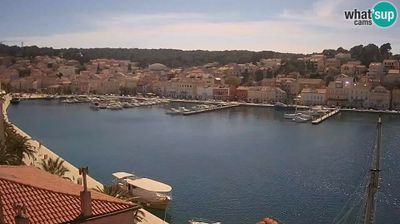
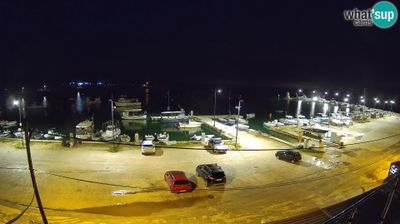
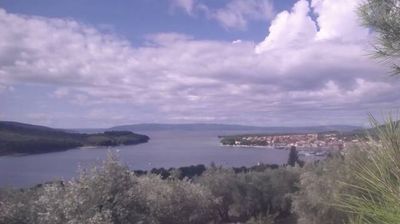
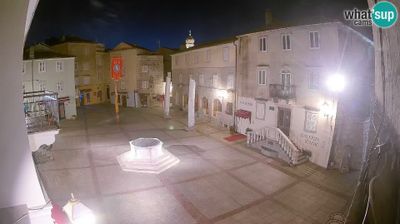
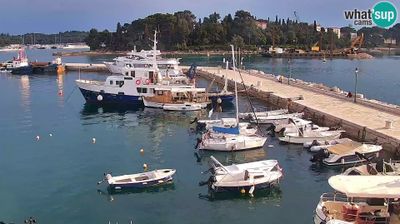
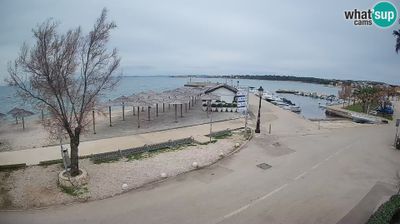

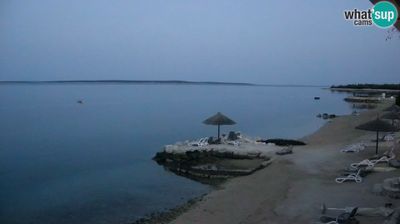
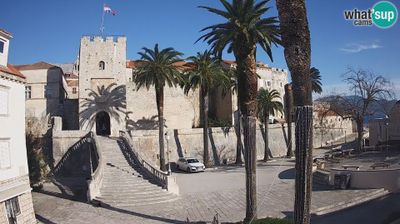
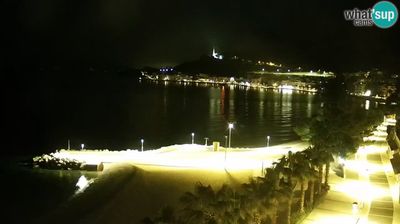
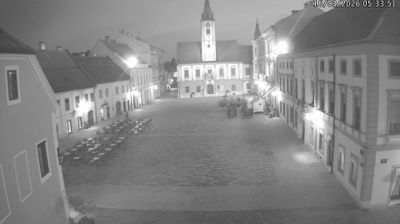
Virtual Travel to Rijeka
Whether you are planning a real-world visit or just digital globe-trotting, the live webcams in Rijeka offer an unfiltered glimpse into daily life. Watch the sunrise, check the local traffic before your commute, or simply enjoy the urban and natural landscapes that make this location unique. Bookmark this page to easily return and check the live weather conditions anytime.

About Rijeka
Rijeka is the principal seaport and the third-largest city in Croatia. It is located in Primorje-Gorski Kotar County on Kvarner Bay, an inlet of the Adriatic Sea and in 2021 had a population of 107,964 inhabitants. Historically, because of its strategic position and its excellent deep-water port, the city was fiercely contested, especially between the Holy Roman Empire, the Republic of Venice, the Kingdom of Italy and Yugoslavia, changing rulers and demographics many times over centuries. According to the 2021 census data, 85% of its citizens are Croats, along with small numbers of Serbs, Bosniaks and Italians.
📖 Read more on Wikipedia