 Live Webcams in Depok
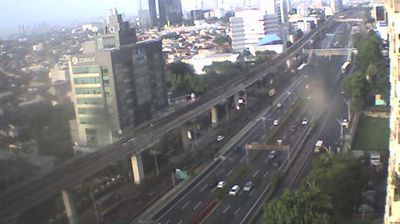
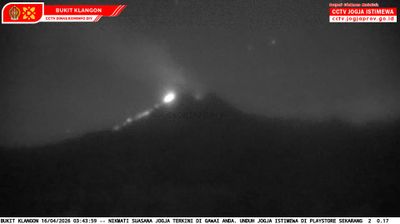
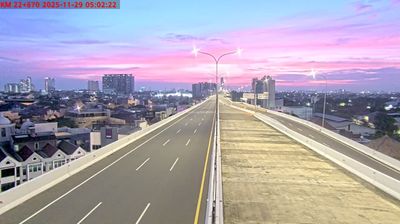
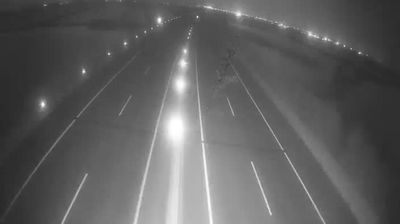
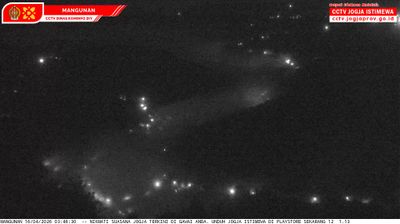
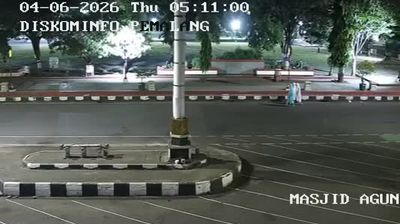
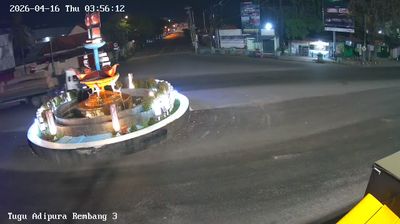
Explore live streaming views from Depok, . Check current weather conditions, traffic, and beautiful local spots.
Latest Cameras
24 streams found


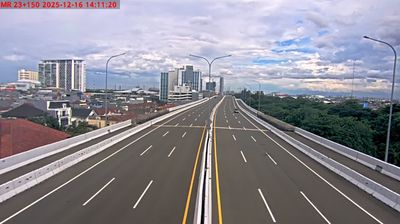
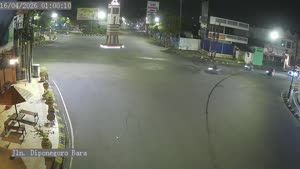
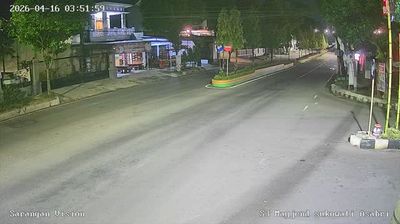
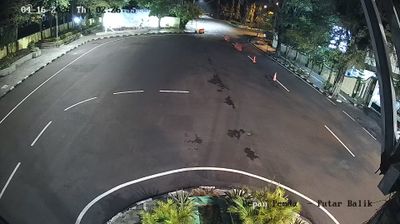
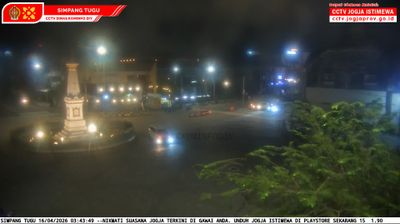

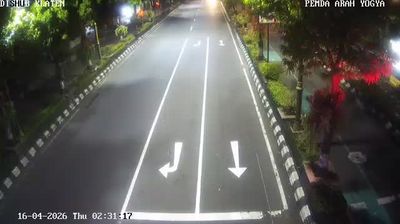
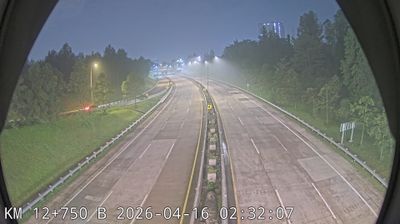
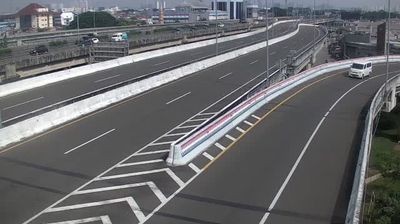
Virtual Travel to Depok
Whether you are planning a real-world visit or just digital globe-trotting, the live webcams in Depok offer an unfiltered glimpse into daily life. Watch the sunrise, check the local traffic before your commute, or simply enjoy the urban and natural landscapes that make this location unique. Bookmark this page to easily return and check the live weather conditions anytime.

About Depok
Depok is a landlocked city in West Java province. It is located directly south of Jakarta, and it is the third largest urban center in the Greater Jakarta metropolitan area after Jakarta and Bekasi, covering an area of about 199.91 km2. Known as a center of education and commerce, the city had a population of 1,738,600 at the 2010 census and 2,056,400 at the 2020 census; the official estimate for mid 2024 was 2,163,635, resulting in a density of about 10,823 people per km2. Depok became an independent city on 20 April 1999, having previously been part of Bogor Regency. It is the second most populous suburban city in Indonesia after Bekasi, and among the ten most populous suburban cities in the world.
📖 Read more on Wikipedia